
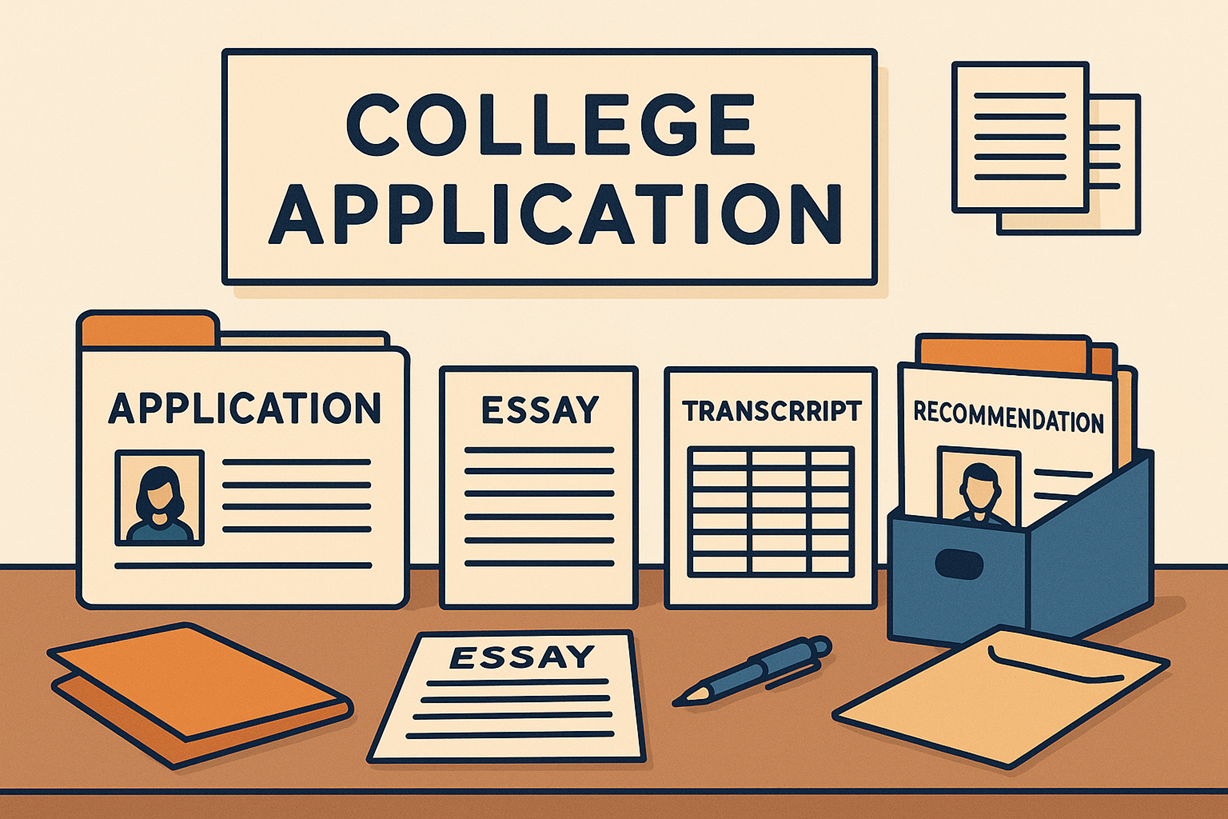

Applying to college involves managing dozens of documents—from transcripts and essays to recommendation letters and financial aid forms. A well-organized file system helps students avoid mistakes and submit materials confidently. Many students use tools such as merge PDF and Split PDF to structure their files properly throughout the application process.
1. Understanding the Document Requirements
Each college requires a different set of files, including transcripts, test scores, recommendation letters, essays, résumés, financial aid forms, and supplementary materials. Students should make a checklist for each school before preparing documents.
2. Importance of Standardizing Files as PDF
PDF is the universal standard for admissions. It preserves formatting, prevents unwanted editing, and ensures that documents look professional on all devices.
3. Building a Document Management System
A clear folder structure keeps documents easy to find and reduces errors when uploading. Recommended format:
College Applications/
   ├── School 1 – Harvard/
   │      ├── Essays/
   │      ├── Transcripts/
   │      ├── Recommendation Letters/
   │      ├── Supplemental Materials/
   │      └── Final Submission Package/
   ├── School 2 – Stanford/
   ├── Financial Aid/
   └── General Documents/
4. Naming Files Clearly and Professionally
Admissions officers prefer clear, consistent filenames such as:
- Firstname_Lastname_Transcript.pdf
- Firstname_Lastname_Recommendation_Teacher.pdf
- Firstname_Lastname_PersonalEssay.pdf
5. Combining Multiple Files Using Merge PDF
Students often need to combine certificates, awards, résumés, or volunteer documentation into a single polished file. Using a tool like merge PDF keeps everything organized and ensures nothing is left out during submission.
6. Extracting Specific Pages with Split PDF
Large documents often contain extra or unnecessary pages. Tools like Split PDF allow students to extract only the sections they need—for example, pulling out a single recommendation letter or removing blank pages from a transcript scan.
7. Managing Scanned Documents
When scanning, students should use 300 DPI for quality. If scans include blank or extra pages, they can be removed by splitting or reorganizing the PDF.
8. Checking File Size Requirements
Many application portals limit upload sizes to 5–10MB. Students can compress PDFs, remove extra pages, or split large files to meet requirements.
9. Preparing Portfolios and Supplemental Materials
Applicants to creative majors may need to submit art samples, writing portfolios, or design work. Merging files, creating sections, and splitting large portfolios helps tailor submissions to each school.
10. Keeping Backups and Version Control
Students should maintain backups in cloud storage and label documents clearly to avoid confusion during the busy submission period.
11. Final Submission Checklist
- All files are PDFs
- Professional file names
- No blank or duplicate pages
- Correct order in merged files
- File size meets requirements
- All signatures included
- Matches each school’s instructions
Conclusion
Organizing college application documents properly increases clarity, reduces errors, and presents students as responsible and prepared. By using clean file structures, professional naming, and PDF tools such as merge PDF and Split PDF, students can create application packages that are polished, complete, and easy for admissions officers to review.